Sales Asset Generator
Build tailored sales materials, fast.
AI Transformations
Get market trends, competitive positioning and strategic context synthesized on demand, backed by Visa knowledge.
Note: Must be on a network in a Visa office or on VPN.
Notice: This first release will continue improving based on marketer feedback.
Let us hear from you!How it helps you
Build your case using trusted Visa knowledge resources alongside the most current public data and do it all faster than ever.
Move from research question to strategic direction faster—and shape stronger work from the first draft.
Multiple research agents search, cross-check, and synthesize public and Visa sources to deliver the most current insight.
Tap Visa's extensive global and product knowledge to build stronger, more defensible strategy.
How to get started
AI Quick Start Guides are designed to help you get the most out of our proprietary Visa AI products from the start. Come back whenever you need a refresher and see below for helpful FAQs.
AI Quick Start Guide
Strategic Insights Generator
Roadmap
Four capabilities are available now with two more coming in Q4.
Conversational AI search Live
Answers business questions by synthesizing Visa research into structured, cited insight.
Deep research or quick answers Live
Short or long, quick-answer or deep-research — you set the depth.
Competitive analysis & TAM/SAM Live
Build a competitive read or market sizing on demand.
Strategy & deck output Live
Generate a strategy artifact, including a draft slide deck, evidence-backed and sourced.
Expanded knowledge base Coming soon
Continuously expanding underlying knowledge sources.
Workflow agents Coming soon
Embed insights straight into brief creation, campaign development, and content generation.
Keep going
Build tailored sales materials, fast.
Draft copy for digital channels.
Move from campaign idea to ready-to-review brief in minutes.
Turn client requirements into stronger RFP responses, faster.
FAQs
Strategic Insights Generator is an AI-powered research tool that turns complex business questions into clear, evidence-backed intelligence. Trained on Visa internal research, reports, presentations, and knowledge bases, it understands your business context, not just search keywords. The tool interprets user intent, identifies the real question being asked, and builds a structured research plan before responding. It surfaces the most relevant sources, compares perspectives across documents, identifies patterns and gaps and synthesizes findings into actionable insights.
Every response includes deep citations, letting users trace claims back to specific documents, sections, and evidence—making insights transparent, auditable, and easy to validate for strategy, planning, customer research, competitive analysis and executive decision-making.
The product draws on 27,000+ research documents from the Visa Insights Exchange, plus trusted public sources spanning all five global regions. This diverse knowledge base delivers globally informed, locally relevant research and connects Visa intelligence with external market context, regional trends, consumer behavior and industry developments.
Access the tool through the Visa Marketing AI Accelerator hub at amigo-insights.visa.com. Use your Visa credentials to login. Visa Marketing AI applications authentication is handled through SSO.
The home page greets you with a personalized welcome and a new session ready to go. Enter your strategic question, and the tool synthesizes insights from Visa documents, public sources and regional data across all five regions.
Choose Quick Mode for fast responses or Deep Research for comprehensive, citation-backed analysis. Refine results with Audience and Market filters, attach files with the paperclip icon, or add context using the + icon.
Select send when ready. Continue with follow-up questions, access prior sessions through History, or use Contact (bottom-left) for support. For best results, start broad in Quick Mode, then use Deep Research with filters for detailed, presentation-ready insights.
Quick Mode is built for speed—focused, high-level responses ideal for quick validations, brainstorming, early exploration, and straightforward questions.
Deep Research is built for depth—comprehensive analysis across Visa research, regional data, public sources and supporting materials. Best for complex questions, trend analysis, executive briefings, strategic planning and competitive intelligence.
The product provides guidance on expected response time, research depth, and source coverage to help you choose the right mode.
Yes. Quick Mode is the default, helping users get started immediately with faster answers. Switch to Deep Research for broader source coverage, deeper analysis or more comprehensive strategic recommendations.
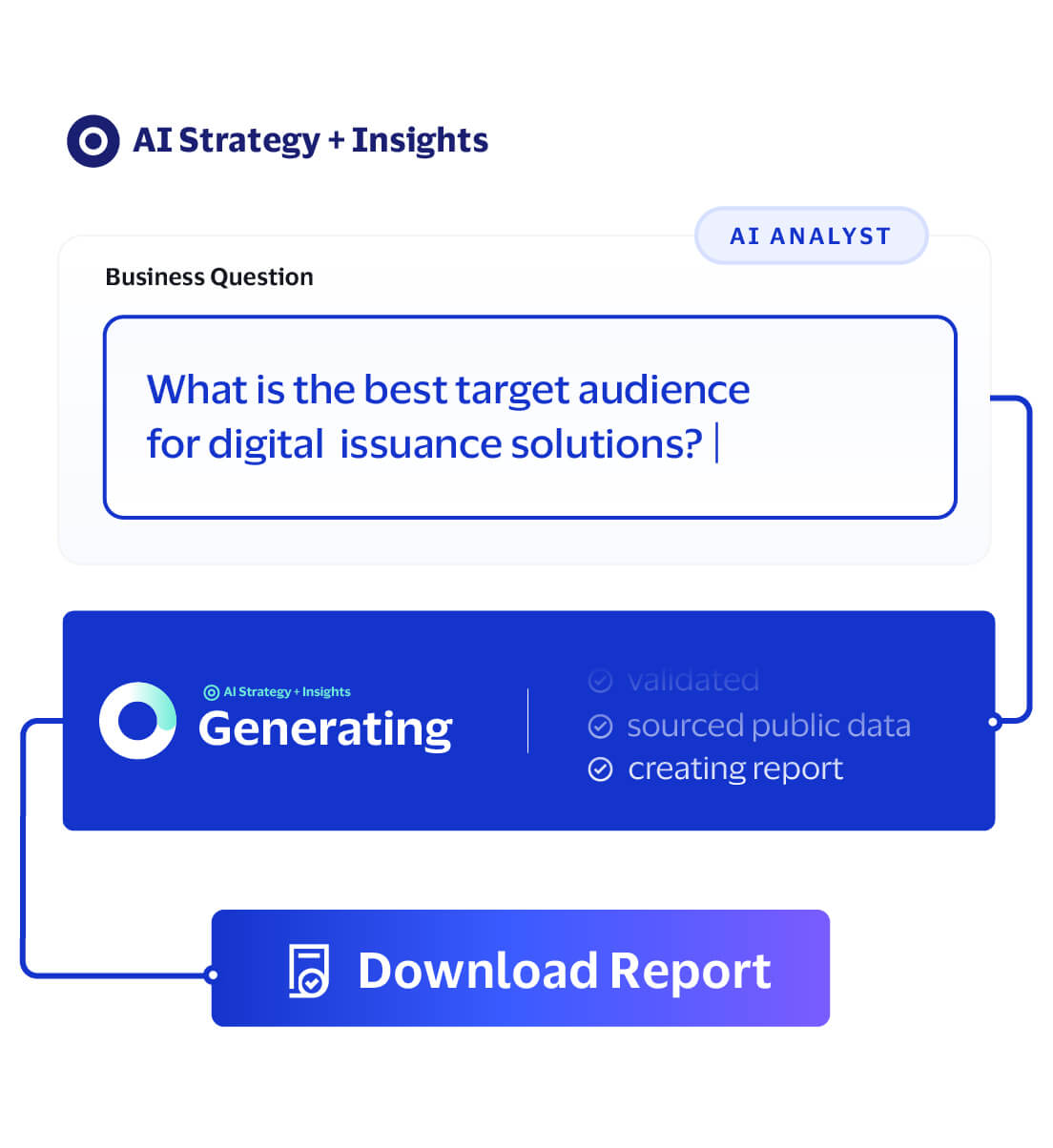
Enter a business question in the chat box. Strategic Insights Generator interprets your intent, identifies relevant sources and generates a tailored response.
Select Quick Mode for a faster, focused answer or Deep Research for comprehensive analysis. Add context with the + icon, attach files with the paperclip, and use Audience and Market filters to refine scope. Select send when ready.
Continue exploring with follow-up questions, refine scope, or switch modes as your needs evolve.
Example questions:
Assistant Steps show how the AI researcher is conducting the task, providing transparency into the reasoning process.
Strategic Insights Generator uses advanced planning and multiple autonomous agents powered by leading large language models—Claude, GPT, Gemini, and Grok. These agents work through reasoning and reflection loops to interpret intent, plan research, evaluate findings and produce well-supported insights.
Users can select a Lead Researcher via the + menu, choosing GPT or Claude. GPT, the latest model, is selected by default.
Deep Research delivers rigorous, evidence-backed analysis for complex strategic questions. It interprets your intent, then creates a tailored research plan to identify the most relevant Visa research, regional data, public sources and supporting materials.
A coordinated swarm of AI agents gathers evidence, analyzes perspectives, tests findings and refines output through reasoning and reflection loops—moving beyond surface-level answers to develop a well-rounded, strategically relevant point of view.
The final response includes detailed citations linked to specific source material behind each claim, so you can validate insights and understand the supporting evidence.
Because this process involves broader source coverage, multi-step planning, agent collaboration and deeper validation, Deep Research takes longer than Quick Mode. Progress indicators, status updates and ETA keep you informed throughout.
You can cancel anytime, especially after reviewing the research plan, to refine your question, add context, or change direction.
Use Quick Mode when you need:
Use Deep Research when you need:
Many users start in Quick Mode and continue with Deep Research as they deepen their analysis.
Strategic Insights Generator is designed to help users get started quickly while still providing additional controls when needed. Optional fields may include:
Most users can begin with the default settings and only adjust optional controls when they need more customization.
Answer Length allows users to choose between shorter and longer responses.
Users can select the option that best aligns with their research needs.
For longer-running research requests, Strategic Insights Generator may display progress indicators, status messages, or intermediate updates, so users understand the request is still being processed. This helps set expectations and reduces uncertainty during more complex research workflows.
Strategic Insights Generator turns complex research questions into clear, evidence-backed strategic insights. It's especially valuable for exploring internal documents, synthesizing findings across sources, validating claims, or developing presentation-ready points of view.
Common use cases:
It's most effective for questions requiring more than a single document, especially when transparency, source validation, and strategic context matter.
Strategic Insights Generator is designed to answer marketing, research, strategy and business-focused questions. Examples include:
The platform works best when questions are framed as business problems or research challenges rather than simple keyword searches.
Yes. The quick start guide includes reusable patterns for use cases such as Risk Analysis, Business Ideas, Go-To-Market, Pricing Strategy and Value Proposition.
Yes. No PII or sensitive data should be uploaded to the tool. Before uploading, make sure the material is appropriate, relevant to your business need, and compliant with Visa's data handling and content requirements policies. Use the attachment icon within the prompt area to upload supporting files. Supporting materials provide additional context that can improve the relevance and quality of generated insights. Uploaded documents are considered alongside Visa research sources during the analysis process.
Do upload:
Do not upload:
Before uploading any file, ask:
No. The three-file limit applies to every request, including the initial query and follow-up questions.
Users can upload up to three supporting files per request. Supported file types include .pptx, .docx, and .pdf. Maximum file size is 15 MB per file.
If an upload fails, verify:
Retry the upload if the issue persists.
Yes. Uploaded files are used as context for your research request, considered alongside Visa research, regional data and other sources to tailor the response.
In Quick Mode, uploaded files may have greater influence due to the narrower source set. For best results, upload documents directly relevant to your question and reference them in your prompt.
The platform first breaks a user's question into 3-8 targeted search requests that capture the key themes of the inquiry. For example, a question such as "What can Visa do to increase loyalty in 2026?" may be decomposed into searches like "loyalty landscape 2026," "consumer rewards trends" and "payments loyalty innovation."
Each search request can return up to 10 candidate documents, which are initially ranked using a combination of recency alignment and content relevance.
Yes. Before responding, the system evaluates all retrieved sources to determine whether there's enough relevant, reliable evidence to answer confidently. If gaps remain, it initiates additional research cycles to gather more information and strengthen the insight.
No. After collecting sources, the system performs a relevance review and filters out documents that do not materially contribute to answering the user's question. For example, an initial search may retrieve 30 documents, but only the 9 most relevant sources may be used in the final response.
Yes. Older sources are not automatically excluded. Instead, they receive a lower recency score compared with documents that are more closely aligned to the requested timeframe.
Simple keyword matching finds documents containing the right words but not meaningfully answering the question. Source scoring evaluates documents holistically by considering topical relevance, timeframe alignment, source quality and how well evidence is supported across sources.
This helps the platform prioritize the most useful, reliable evidence, reduce the influence of outdated or tangential material and generate answers that are more accurate, actionable and grounded in business context.
The platform uses a Dual-Layer Citation Design for transparent, verifiable research outputs.
Labels reflect a score based on document relevance and year match, with year weighted more heavily. Current and highly relevant sources therefore rank higher. Read our scoring methodology FAQs for details on how the sources are ranked.
Each source receives a score based on two factors:
Final Score = F(A,B)
Relevance measures how closely a document addresses the user's question. The relevance score range is (0,1]:
Year Match measures how closely a document aligns with the timeframe implied by the user's question.
Year Match = 1.0 / (1.0 + Age × 0.5), where Age is the difference between the document publication year and the requested year.
The requested year is derived from the user's question. Examples:
No. Sources don't expire automatically. However, documents more than three years older than your specified timeframe are excluded from that research request.
For sources within the three-year window, the system applies a Year Match score using a recency-decay model, prioritizing documents more closely aligned with your timeframe.
Recency is weighted more heavily than relevance and other parameters when calculating source scores, prioritizing sources aligned with your timeframe while still considering topical relevance and quality signals.
The system follows a structured workflow:
Source confidence labels are determined by the final score calculated from relevance and year alignment.
Audience and Market are optional filters that help improve the relevance of generated insights. For example:
These filters are not required but can improve result quality when they are relevant to the question being asked.
Product Portfolio is an optional filter that allows users to focus research on a specific Visa product area or solution set. Providing Product Portfolio context can help prioritize the most relevant insights, supporting research and recommendations. If Product Portfolio is not relevant to your question, it can be left blank.
Strategic Insights Generator is designed to work with as little or as much context as you choose to provide. Optional inputs may include:
These inputs help improve response quality but are not required to begin researching. The system may automatically infer additional context where possible to reduce setup effort and streamline the user experience.
Once research is complete, review the answer in the conversation. Use the Sources button or Sources Used panel to view all documents that informed the response and select sources to review the underlying evidence. Inline citations help verify specific facts, insights and recommendations as you read.
Strategic Insights Generator produces an artifact. Export from the top-right corner of the answer or the Export button at the bottom as PowerPoint, PDF, or Markdown. PowerPoint exports include citations to preserve traceability in presentations.
Always review AI outputs before use. Confirm the response addresses your question, validate key claims against cited sources and apply your own judgment before sharing or acting on the analysis.
Yes. The tool usually follows a direct request for a preferred language and recent updates improved multilingual intelligence and regional knowledge coverage for global teams.
Yes. Strategic Insights Generator supports ongoing, conversational research with very long context. It retains the full conversation, letting you build on earlier questions, findings, documents and decisions without repeating background.
After receiving an answer, ask follow-ups to clarify findings, explore related markets or audiences, compare competitors, test assumptions or request deeper analysis. Research evolves naturally—from broad questions to focused insights, recommendations and next steps—without starting over.
The platform may suggest follow-up questions or research directions based on your original request. Examples may include:
These suggestions help users continue their research without needing to create a brand-new request.
Strategic Insights Generator is the research foundation of the Visa Marketing AI workflow. It helps marketers move from a business question to a clear, evidence-backed strategic point of view, grounded in Visa intelligence, market context and supporting sources.
These insights flow into downstream capabilities: brief building, where teams translate research into campaign strategy, and asset creation, where strategy becomes audience-relevant messaging, concepts and creative executions. By connecting research, strategy and activation in one workflow, teams reduce time gathering information, improve confidence in decisions and create more effective marketing work.
Look for claims that are not clearly supported by the cited sources. If a statement cannot be verified in the source material, treat it as unconfirmed and validate before using it.
Always review Generative AI outputs for relevance and review all sources.
Hallucinations are becoming rarer, but they do happen. You as the human in the loop are always responsible for reviewing sources and analysis.
Review the output for relevance, accuracy and completeness. Confirm that the response addresses your question, and check that key claims are supported by the cited sources.
Open the cited sources and verify that they are relevant, credible and directly support the response. Pay close attention to numbers, dates, names and recommendations.
Yes. You can continue with follow-up questions in the same thread, search by chat ID or keyword, or start a new thread using the plus sign (+).
Yes. Strategic Insights Generator supports an iterative workflow that allows users to refine research over time. You can ask follow-up questions, add new context, clarify objectives and progressively deepen analysis while maintaining the context of previous responses.
You can search the conversation history by conversation ID or keywords.
Currently conversations are retained indefinitely and could be subject to change at a later date.
Yes. If you determine that a request needs to be revised, you can stop the current request and submit a refined prompt. This allows you to quickly adjust the research direction without waiting for the original request to finish.
For each request, Strategic Insights Generator displays a spinner while processing. For longer requests, it provides progress indicators, status updates, streaming responses and ETA to show research is in progress and when results are expected.
During advanced research workflows, you may see updates from individual agents as they plan the approach, gather evidence, evaluate sources, or refine findings—providing visibility into how research is progressing.
Use the Refresh button or manually refresh the page in your browser.
Refine the prompt, remove irrelevant context and retry. If new messages are not appearing, use the Refresh button.
Contact the Visa Marketing AI Insight GDL team at gdlsupportstrategyandinsights@visa.com.